Deep Workflow: Building a High-Output Calendar with "Time Blocking" and "Energy Management"
Deep Workflow: Building a High-Output Calendar with "Time Blocking" and "Energy Management" In an era of fragmented information, most people operate in a "re…
Verification report
Deep Workflow: Building a High-Output Calendar with "Time Blocking" and "Energy Management"
In an era of fragmented information, most people operate in a "reactive" mode: led around by emails, instant messages, and unexpected meetings. This pattern incurs severe "Context Switching Cost," leaving you feeling busy all day while making no progress on truly core tasks.
To achieve genuine Deep Work, we need to upgrade traditional "time management" into a combination of "energy management + time blocking."
Core Logic: Time Blocking vs. To-Do Lists
A To-Do List tells you what to do, but it doesn't tell you when to do it or how much time it requires. This leads us to prioritize easy trivialities while postponing difficult, core tasks.
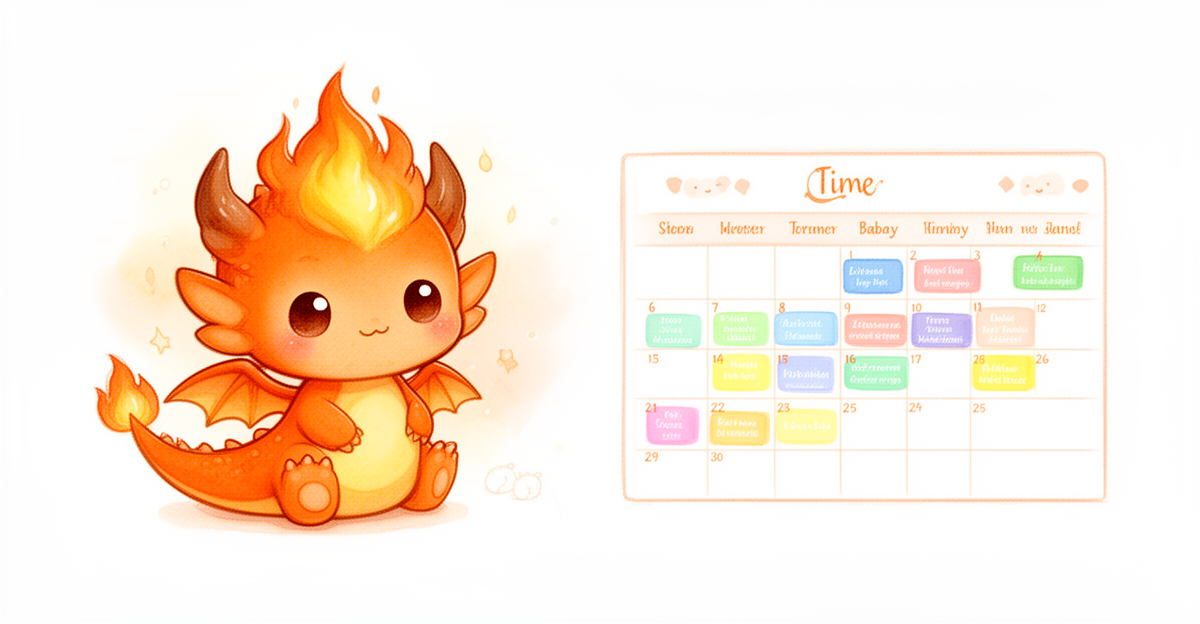
Time Blocking treats your calendar as the single source of truth. Instead of listing tasks, you reserve specific physical time slots for every activity.
1. Deep Work Block
- Definition: 2–4 hours of continuous, uninterrupted, high-focus time.
- Use Cases: Writing complex reports, architecture design, learning new skills, deep creative work.
- Principle: Turn off all notifications, physically isolate your phone, and enter a "flow" state.
2. Shallow Work Block
- Definition: Short periods (30–60 minutes) for handling administrative trivia, replying to emails, and simple communication.
- Use Cases: Approval workflows, schedule synchronization, routine reporting.
- Principle: Batch process these tasks to prevent them from fragmenting and intruding upon Deep Work Blocks.
3. Buffer Block
- Definition: Reserved blank time (15–30 minutes).
- Use Cases: Handling meeting overruns, sudden emergencies, or simple breaks.
- Principle: Do not fill your calendar completely; plans without buffers are extremely fragile in the face of reality.
Practical Guide: How to Build Your High-Output Calendar
Step 1: Identify Your Energy Peaks (Energy Mapping)
Everyone has their own biological clock. Do not force deep work during your lowest energy periods.
- Peak: Usually 2–4 hours after waking up. Logical thinking is strongest here $
ightarrow$ Schedule Deep Work Blocks.
- Trough: Usually after lunch or around 3 PM. Focus declines here $
ightarrow$ Schedule Shallow Work/Rest/Exercise.
- Recovery: Some people experience a second minor peak in the evening or late night $
ightarrow$ Schedule light creative work or reviews.
Step 2: Design Your Calendar Template
A typical ideal high-efficiency calendar looks like this:
- 08:30 - 09:00: Launch ritual (check priorities, clear mental clutter).
- 09:00 - 12:00: [Deep Work Block] Core Project A $
ightarrow$ Highest energy investment.
- 12:00 - 13:30: Lunch break and digital detox (completely step away from screens).
- 13:30 - 14:30: [Shallow Work Block] Emails/Messages/Administrative Approvals $
ightarrow$ Low-energy processing.
- 14:30 - 16:30: Meetings/Collaboration/Communication $
ightarrow$ Leverage social energy to maintain momentum.
- 16:30 - 17:30: Second session of light focus or learning $
ightarrow$ Utilize the recovery period.
- 17:30 - 18:00: End-of-day review and planning for tomorrow $
ightarrow$ Close mental loops.
Checklist: Key Details for Execution
- [ ] Physical Isolation: When entering a deep block, have you placed your phone in another room?
- [ ] Clear Goals: Before each time block starts, have you defined the specific deliverable for that period (rather than vague goals like "research X")?
- [ ] Respect Boundaries: When others request meetings during your deep block, can you politely redirect them to a shallow work block?
- [ ] Dynamic Adjustment: If your state is poor today, do you have the courage to change the deep block to rest, rather than inefficiently grinding away?
Gotchas & Notes (Pitfall Avoidance Guide)
- Over-planning Trap: Do not fill every minute. If you pack your calendar as tightly as Tetris blocks, a single 15-minute meeting overrun will cause the entire system's dominoes to collapse $
ightarrow$ You must reserve Buffer Blocks. - Ignoring Startup Costs: Entering flow takes time (usually 15–20 minutes). If you chop deep blocks into too-small fragments (e.g., only 45 minutes), you may have to stop just as you get into the zone $
ightarrow$ Ensure Deep Work Blocks are at least 90 minutes long. - Perfectionism Tendency: Broken plans are the norm. Do not abandon the entire system due to a single failure $
ightarrow$ Adopt an attitude of "rescheduling" rather than "self-blame"; simply move the color blocks on your calendar.
When to Use This Method?
$
How to use it
Follow the documented steps in an isolated environment before adopting the skill.
Observed result
The laboratory records reproducible outcomes and keeps unverified claims out of the result.
Pitfalls
Check permissions, inputs, rollback steps and evidence before applying the skill.
Good fit
Use when the environment and evidence match the conditions described in this report.
Not a fit
Do not use when required evidence, isolation or rollback controls are unavailable.