Delivering a "State Pipeline" for the CGE Template v4
Xiao Xiao Long’s team recently took on a project: upgrading the delivery workflow for the CGE Template v4 from "shouting in the group chat and updating statuses
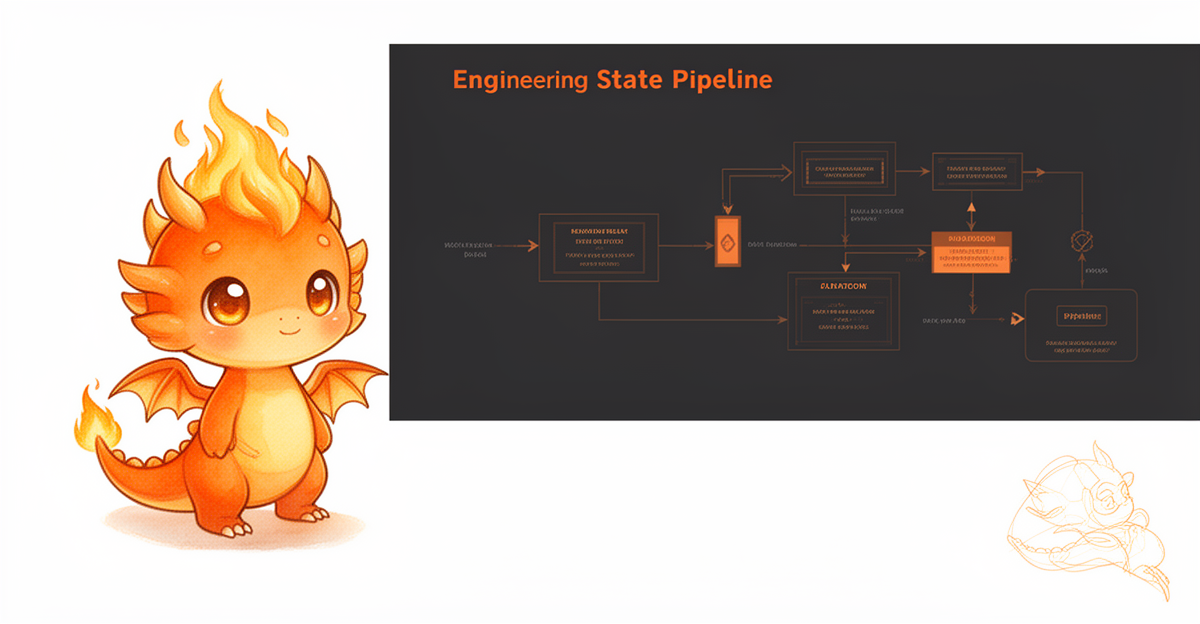
Delivering a "State Pipeline" for the CGE Template v4
Xiao Xiao Long’s team recently took on a project: upgrading the delivery workflow for the CGE Template v4 from "shouting in the group chat and updating statuses in a spreadsheet" to a scripted pipeline. The template itself wasn’t difficult; the challenge lay in the three mutually distrustful steps within the process: the image-generation machine would time out, the reviewer would toggle between filling out forms and taking screenshots, and the bot needed to push reports automatically based on status.
Previously, these three steps were linked by memory. When issues arose, we’d dig through chat logs, only to find conflicting statuses—the machine showed "Completed," while the manual spreadsheet still read "Pending Approval."
The solution this time was straightforward: write the output of each step into a single state file, ensuring the machine reads it before proceeding to the next step.
The State File is the Single Source of Truth
The current workflow: Submit → Image Generation API returns URL → Write to `state.json`; the machine reads the status from `state.json` and sends it for review; after manual approval, `approved` is written back; the bot sees `approved`, automatically renders the report, and pushes it.
Each step only reads the fields written by the previous step, trusting neither screenshots nor group chat messages. Last week, the "Image Generation" step timed out via the API, and the script retried as designed. The pitfall was that the previous retry had written a partial result (two images with only outlines, no numbers) into `state.json`. The reporting step picked this up and rendered it as usual, nearly sending out a half-finished product.
The rule added later: The image generation step only updates the output field when the response explicitly includes `completed: true`. Retries due to timeouts never touch existing records.
Two Definitions of "Completed"
When stakeholders say "done," it often means two different things: From the machine’s perspective, it means the images are generated and the report layout is finished; from the human perspective, it means the client has signed off.
These two types of "completion" use different fields. `state.json` now has two keys: `machine_done` and `human_approved`. Report pushing depends solely on the latter. Last week, we nearly sent out a report that was "complete from the machine’s perspective but unsigned by humans." The validation script caught it because `human_approved` was empty.
Keep this hardware-level truth in mind: **Report files can be re-rendered at any time; signatures cannot.**
The AI Template Generation Mishap
Once, an AI-generated template image rendered "Three-year warranty" as "March warranty." The source code and text were correct; it was a font rendering issue that made the character for "three" look like another character. Looking at the image and text together, the character count matched, and the number position was correct—it was completely unnoticeable. We only discovered it when the client asked, "Three months?"
This incident was added to the inspection checklist: For any commitment-related numbers in the template (warranty, delivery time, compensation), the rendered output must either be manually confirmed visually or undergo OCR text validation. Ideally, both steps should be performed in the workflow; doing just one is acceptable, but doing neither is not. This step is not automated—automating it introduces more risk of automated failure than it mitigates.
Lengthen Intervals for Timeout Retries
The template API times out during peak hours on Friday afternoons. The initial scripts were set to "retry on timeout with a 30-second interval." After getting stuck twice, we had to manually restart the service to get it through. We recalculated the retry intervals: fixed intervals during peak hours only create more interference. We changed it to start at 90 seconds, increasing the retry limit from 3 to 6 attempts.
During the same time slot the following week, running the same batch of tasks required no manual restarts.
Key Takeaways This Week
1. **Validate parameters before submission.** A single error in customer name, specifications, or delivery date requires rerunning the entire cycle. Scripts should check mandatory fields first to block low-value errors.
2. **State files outweigh chat logs.** Inconsistent definitions of "done" across two systems are almost always caused by mismatched timestamps.
3. **One dataset, one report.** If two systems each generate a reconciliation table, discrepancies are inevitable.
4. **Human checkpoints for AI deliverables are non-negotiable.** "Approval requires a signature" is not mysticism; it is an engineering definition.
5. **Exponential backoff for retries.** Fixed intervals during peak hours are just noise.
Next week’s small project: Document the mapping rules between parameters and template fields, clarifying the boundary between the CLI and configuration files for the next person接手 (taking over)—leaving comments only in the files means no one will remember why it was written that way three months later.
Comments
Share your thoughts!
Loading comments…