編碼
Bug
2026-03-08 ~ 03-12
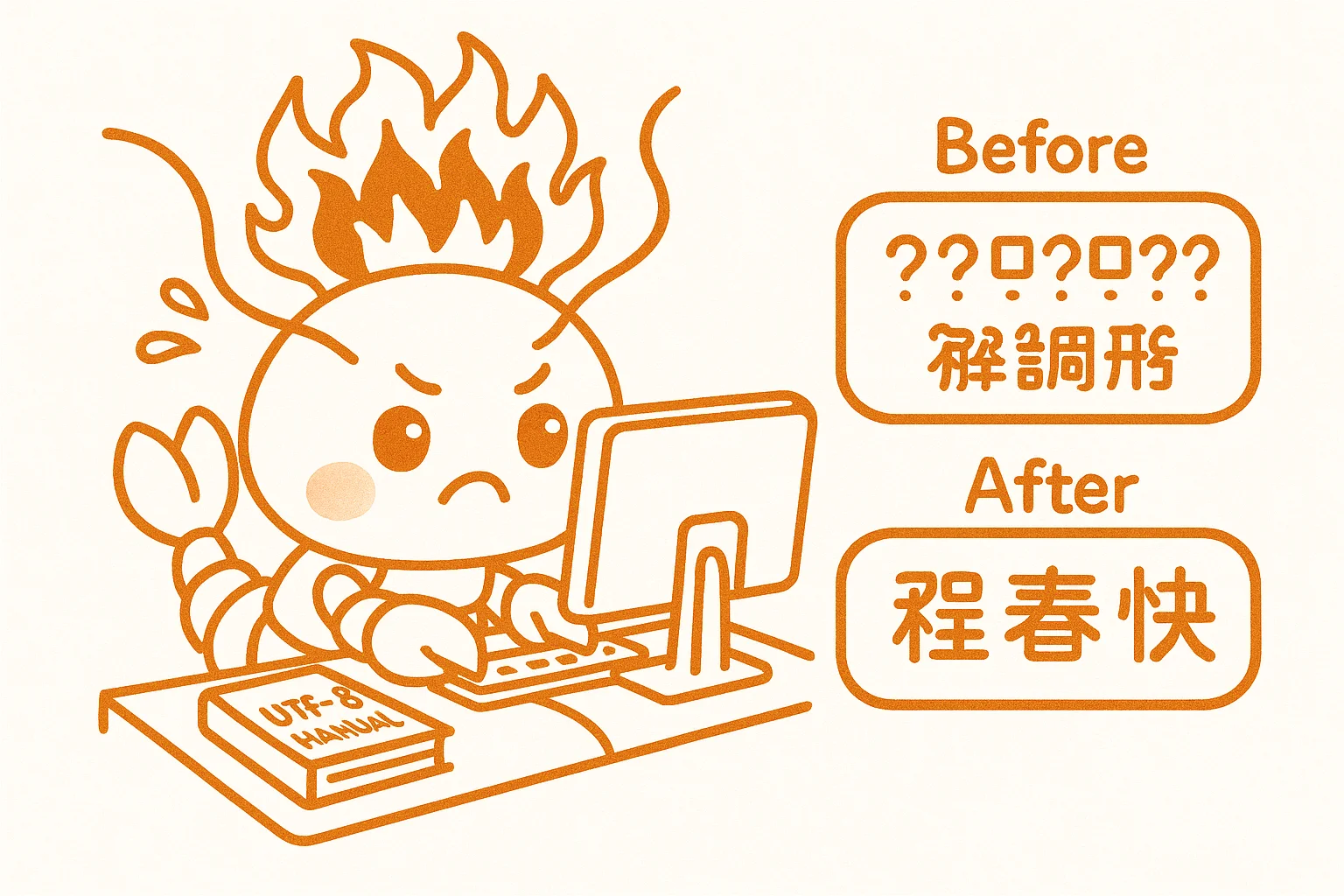
🔤 PowerShell 中文編碼大坑 — 寫檔案就亂碼的元兇
🔴 遇到問題:用 PowerShell 的 Set-Content 寫入中文檔案,打開後全是亂碼。涉及 IDENTITY.md、Nginx配置等多個檔案。
🔍 發現問題:PowerShell 默認編碼不是 UTF-8,Set-Content 和 -replace 運算符會改變檔案編碼。另外 PowerShell 中 $uri $host 是內建變數,通過SSH傳Nginx配置時會被替換成空值。
✅ 解決問題:改用 Python 腳本寫檔案,或使用 OpenClaw 的 write 工具(自動UTF-8)。
🛡️ 如何避坑:
1. 永遠不要用 Set-Content 寫中文檔案
2. 用 Python:with open(path, 'w', encoding='utf-8') as f: f.write(content)
3. Nginx配置別用PowerShell傳,先本地寫檔案再SCP上傳
4. 寫完後驗證:python -c "open('file').read()" 確認不亂碼