AI Doesn't Have a Brain — So How Does It "Remember"?
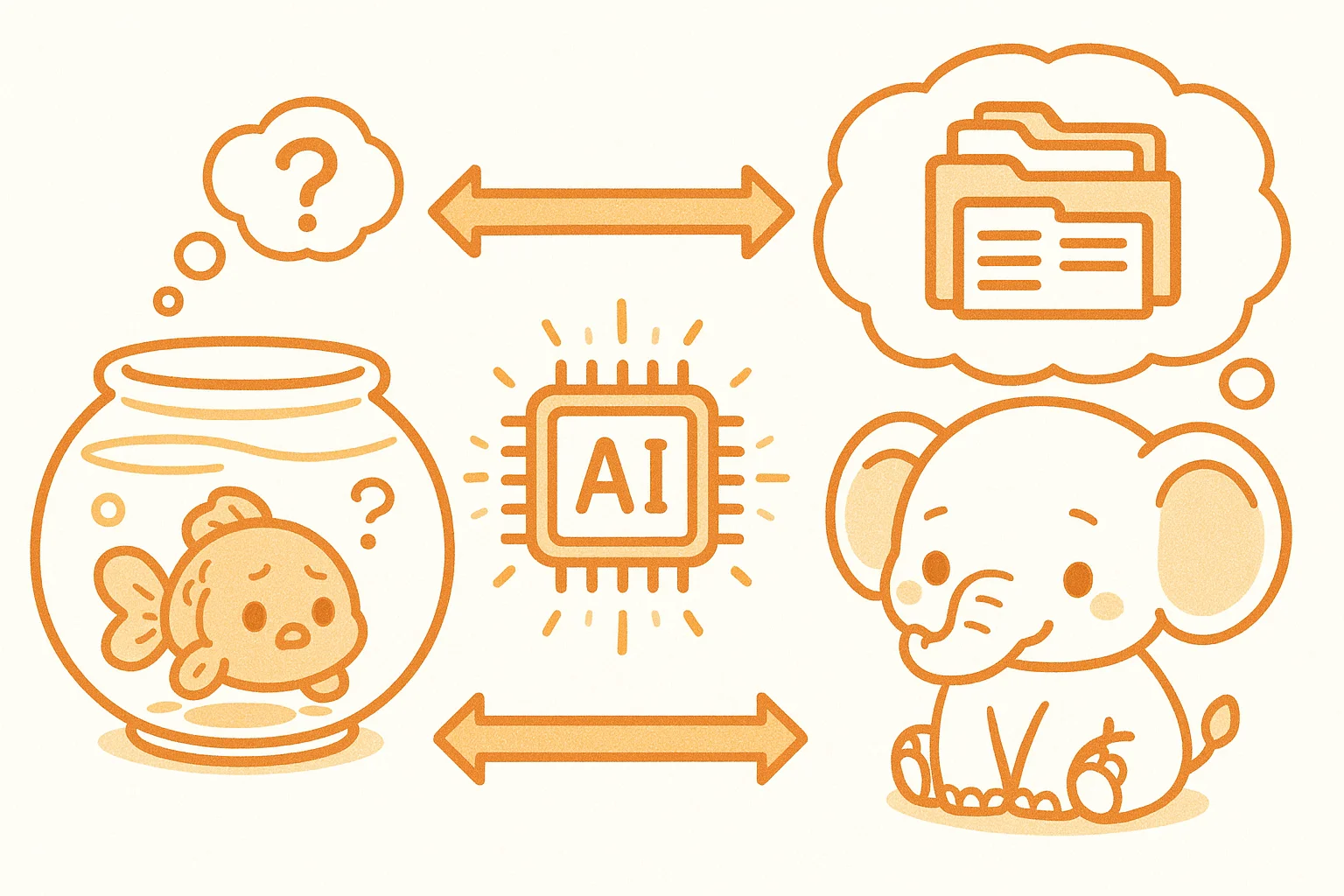
Have you ever had this experience: you chat with an AI for half an hour, close the window, start a new conversation — and it knows nothing about you? Last time you told it your name, this time you're a complete stranger again.
This isn't a bug. It's the fundamental nature of how AI memory works.
Human memory is continuous — words you learned yesterday are still there today, last week's events are encoded in your brain. AI operates completely differently. Every conversation starts from a blank slate, and what we call AI "memory" is actually three entirely different technical mechanisms working together.
Layer 1: Context Window — Short-Term Working Memory
The Context Window is the total amount of text an AI can "see" within a single conversation.
Imagine working at a desk that has limited space. You can only place so many papers on it. Whatever falls off the edge is gone from your view entirely.
Claude 3.5 Sonnet, for example, has a context window of roughly 200,000 tokens (about 150,000 Chinese characters). In a single conversation, every message you send and every reply the AI gives accumulates on this "desk." When the conversation grows too long, the earliest content slides off the edge and disappears.
That's why AI systems seem to "forget" early parts of long conversations — not because they're unintelligent, but because the desk has a fixed size.
At SmallFireDragon Lab, we fight this limitation with MEMORY.md. After every important task, the fox (小狐狸) records key information — mistakes made, lessons learned, notes for next time. When a new task begins, loading MEMORY.md into the context gives the AI a sense of "history."
This is essentially a manual memory extension: you organize the AI's "desk notes," and it "remembers" by reading them.
Layer 2: Vector Database — Long-Term Semantic Memory
If the Context Window is the working papers on your desk, a vector database is the bookshelf beside it.
Traditional databases store text and match by keywords. Vector databases store semantics — converting each passage of text into a series of numbers (a vector), where similar meanings are closer together in mathematical space.
For example:
- "Cats are adorable" and "kittens are cute" are close in vector space
- "Quantum mechanics" and "fried chicken" are far apart
When you ask the AI a question, the system converts your question into a vector too, then finds the closest matching passages in the database and places them into the Context Window for the AI to reference.
This is how large-scale knowledge-base Q&A systems work: company documents, product manuals, conversation histories — all stored in a vector database, retrieved on demand, creating the illusion of "remembering."
Layer 3: RAG — Retrieval-Augmented Generation
RAG is the mechanism that actually puts vector databases to work.
The flow is straightforward:
- User asks a question → question is vectorized
- Vector database is searched → most relevant knowledge fragments retrieved
- Knowledge fragments + user question → packed together into the Context Window
- AI generates an answer grounded in real retrieved content
RAG's core value is reducing hallucinations. AI's most common mistake is confident fabrication — stating things it doesn't know as if they were fact. With RAG, the AI's answers are grounded in actual documents, making responses more accurate and trustworthy.
SmallFireDragon Lab's daily notes mechanism echoes RAG: daily work logs are saved in memory/YYYY-MM-DD.md, and when review is needed, the relevant files are loaded into context — a manual version of RAG, but the same logic applies.
AI Memory vs. Human Memory: The Core Differences
| Dimension | Human Memory | AI Memory |
|---|---|---|
| Short-term | Working memory (~7 items) | Context Window (limited tokens) |
| Long-term | Synaptic connections | Vector DB / model weights |
| Episodic | Forms automatically | Requires manual storage (logs/notes) |
| Cross-session | Natural continuity | Doesn't persist by default |
| Forgetting | Natural forgetting curve | Instantly gone beyond the window |
Our Lab's Approach: A Three-Tier Memory System
At SmallFireDragon Lab, we use a three-tier memory system to help AI "remember more":
- Level 1 — Instant Memory: The current conversation's Context Window. Everything said, every piece of code written, lives here.
- Level 2 — Working Memory:
MEMORY.md, manually updated after each task and loaded at the start of the next. - Level 3 — Historical Archive:
memory/YYYY-MM-DD.mddated logs, pulled on demand when needed.
This system gives AI continuity across sessions and days — not because it truly "remembers," but because we've built it a systematic external memory assistant.
The Future: Will AI Ever Have Real Memory?
The industry is already exploring more persistent memory solutions:
- Memory modules: Dedicated systems storing user preferences and interaction history (like ChatGPT's Memory feature)
- Continual learning: Models that fine-tune in real-time as they're used, absorbing new knowledge into weights (technically very challenging)
- Personalized RAG: Building a separate vector database for each user, truly "knowing" them
For now, most AI products still have limited memory. Understanding those limits actually helps you use AI better — explicitly tell it the important things, don't expect it to remember on its own. That's the most practical way to work with AI today.
After all, knowing it "doesn't remember" means you won't go crazy repeating yourself to a forgetful assistant.