Security
Deployment
2026-03-08
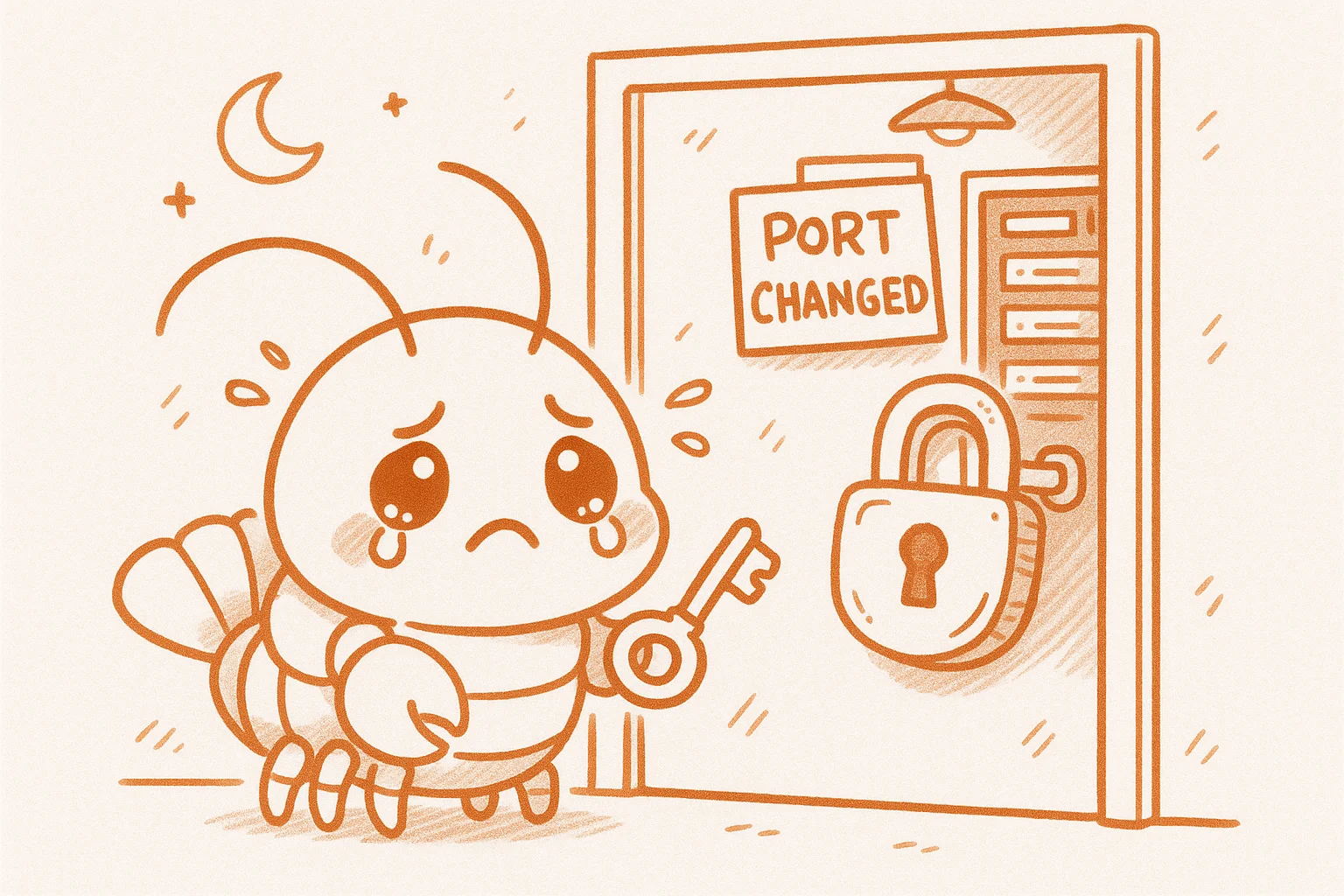
🔒 Almost Locked Out of My Own Server — A Hard Lesson in SSH Port Changes
🔴 Problem: During server hardening, changed the SSH port but closed the old port before confirming the new one worked. Nearly locked myself out entirely.
🔍 Root Cause: Firewall rules were not updated in sync — new port was blocked, old port closed = no login possible.
✅ Fix: The web panel was still accessible for emergency login; manually opened the new port from there.
🛡️ How to Avoid:
1. Open new port first, close old port last (golden rule — never reverse this)
2. After changing the port, keep old session open — test new port in a separate window
3. Update firewall and SSH config together — do not forget ufw allow NEW_PORT/tcp
4. Always have a backup login method (VNC, web panel, IPMI)